
HypeOfflineMonitor
Track offline time for your application and set up custom data variables (great addition for Hype Reactive Content).
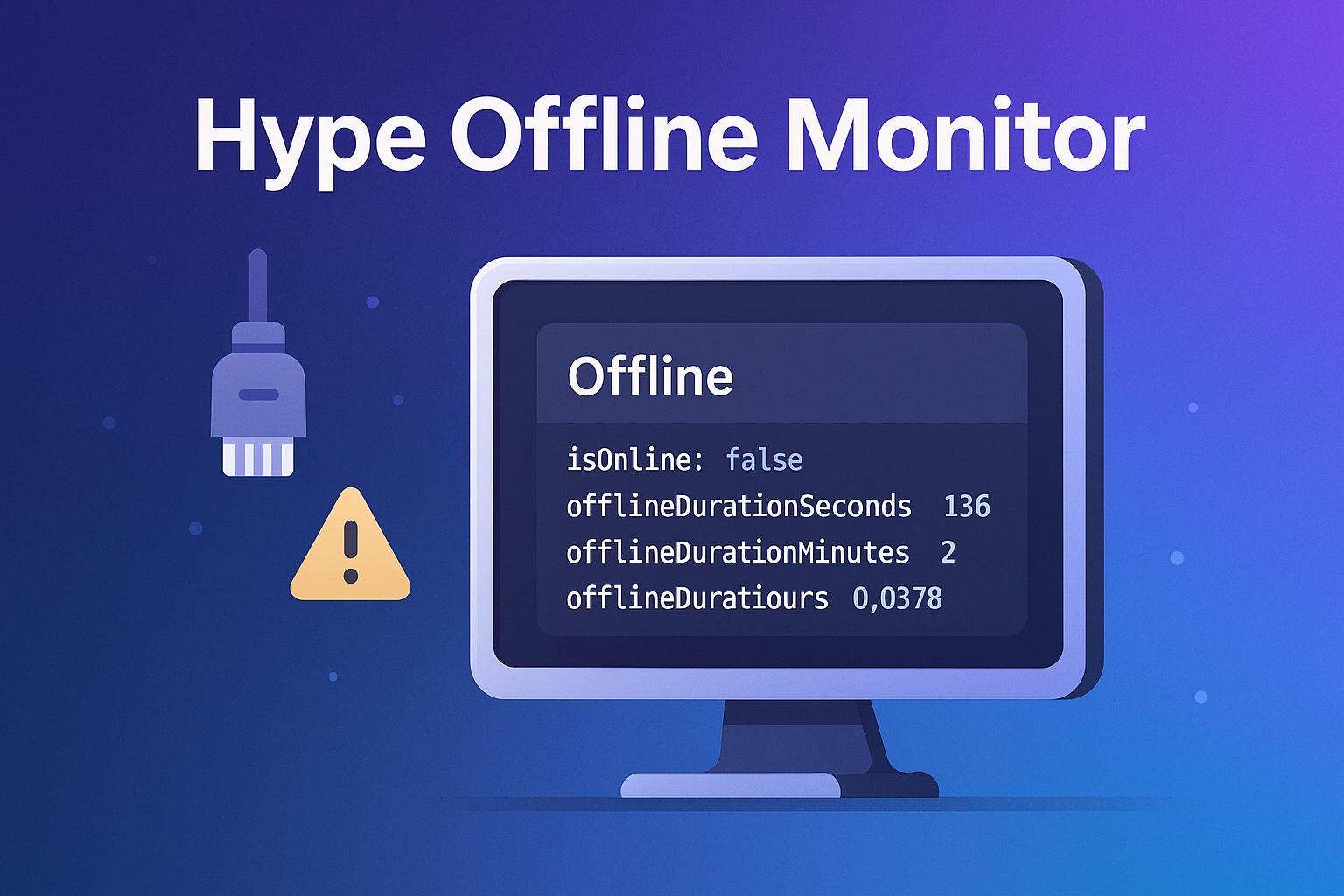
Hype Offline Monitor
A lightweight Tumult Hype extension that keeps track of the browser’s connectivity state and the exact amount of time a visitor has been offline. The script exposes a handful of hypeDocument.customData variables—isOnline, isOffline, offlineStartTime, and granular offlineDuration* values—that update in real-time. Any Hype elements bound to those variables will automatically redraw the moment their values change; if you prefer manual control, call hypeDocument.trackOfflineTime() whenever you want a refresh.
Content Delivery Network (CDN)
Latest version can be linked into your project using the following in the head section of your project:
<script src="https://cdn.jsdelivr.net/gh/worldoptimizer/HypeOfflineMonitor/HypeOfflineMonitor.min.js"></script>
Optionally you can also link a SRI version or specific releases. Read more about that on the JsDelivr (CDN) page for this extension at https://www.jsdelivr.com/package/gh/worldoptimizer/HypeOfflineMonitor
Learn how to use the latest extension version and how to combine extensions into one file at https://github.com/worldoptimizer/HypeCookBook/wiki/Including-external-files-and-Hype-extensions
Installation
- Download
HypeOfflineMonitor.js. - Open the Resources panel in your Hype document.
- Click the "+" button and choose Add Resource…, then select the
HypeOfflineMonitor.jsfile. - Ensure "Auto-Link Resource" is enabled (usually default) so Hype includes the script automatically in the
<head>of your document.
Quick start (use this inside a Hype function)
This would only run on the Hype event you bind this to, like a scene load or for a real-time update. Consider Using it with Hype Reactive Content.
Displays the offline banner with clear labels for total minutes and seconds.
function showOfflineBannerTotals(hypeDocument, element, event) {
    // Check if the user is offline
    if (!hypeDocument.customData.isOnline) {
        // Reveal the offline group container
        var offlineGroup = hypeDocument.getElementById('offlineGroup');
        if (offlineGroup) {
            offlineGroup.style.display = 'block';
        }

        // Read the stored durations
        var h = hypeDocument.customData.offlineDurationHours;      // e.g. 1.5 (decimal hours)
        var m = hypeDocument.customData.offlineDurationMinutes;    // e.g. 90 (total minutes)
        var s = hypeDocument.customData.offlineDurationSeconds;    // e.g. 5400 (total seconds)

        // Update the display element
        var txt = hypeDocument.getElementById('offlineDurationText');
        if (txt) {
            txt.innerHTML =
              `Offline for: ${h.toFixed(2)} h — that's ${m} total minutes or ${s} total seconds.`;
        }

        // Log to console for debugging
        console.log(
          `Offline for: ${h.toFixed(2)} h — that's ${m} total minutes or ${s} total seconds.`
        );
    } else {
        console.log("User is online; no action taken.");
    }
}
Here is another example if you want to calculate a clock-style display.
function showOfflineBannerClock(hypeDocument, element, event) {
    // Check if the user is offline
    if (!hypeDocument.customData.isOnline) {
        // Reveal the offline group container
        var offlineGroup = hypeDocument.getElementById('offlineGroup');
        if (offlineGroup) {
            offlineGroup.style.display = 'block';
        }

        // Read the stored durations
        var h = hypeDocument.customData.offlineDurationHours;      // e.g. 1.5 (decimal hours)
        var m = hypeDocument.customData.offlineDurationMinutes;    // e.g. 90 (total minutes)
        var s = hypeDocument.customData.offlineDurationSeconds;    // e.g. 5400 (total seconds)

        // Convert totals into clock-style components
        var displayH = Math.floor(h);       // full hours (1)
        var displayM = m % 60;              // remaining minutes (30)
        var displayS = s % 60;              // remaining seconds (0)

        // Update the display element
        var txt = hypeDocument.getElementById('offlineDurationText');
        if (txt) {
            txt.innerHTML =
              `Offline for: ${h.toFixed(2)} h (${displayH}h ${displayM}m ${displayS}s)`;
        }

        // Log to console for debugging
        console.log(
          `Offline for: ${h.toFixed(2)} h (${displayH}h ${displayM}m ${displayS}s)`
        );
    } else {
        console.log("User is online; no action taken.");
    }
}
Using it with Hype Reactive Content
Bind any element’s inner HTML (data-content) or visibility (data-visibility) to the exposed variables and Hype will rerender instantly on each state change—no extra code needed.
API reference
| Property / Method | Type | Description |
|---|---|---|
hypeDocument.customData.isOnline |
Boolean |
true when the browser reports connectivity. |
hypeDocument.customData.isOffline |
Boolean |
Convenience inverse of isOnline. |
hypeDocument.customData.offlineStartTime |
Number | null |
Epoch ms when the first disconnect occurred (stored in localStorage). |
hypeDocument.customData.offlineDurationHours |
Number |
Hours offline, precise to 4 decimals. |
hypeDocument.customData.offlineDurationMinutes |
Number |
Whole minutes offline. |
hypeDocument.customData.offlineDurationSeconds |
Number |
Whole seconds offline. |
hypeDocument.trackOfflineTime() |
Function |
Manually recomputes and updates all of the above. |
License
MIT © 2024 Max Ziebell. Free for commercial and open-source use.