
HypeCardEvents
HypeCardEvents introduces a meta entity known as cards, encompassing all scene layouts. This allows you to receive events for loading or unloading a card.
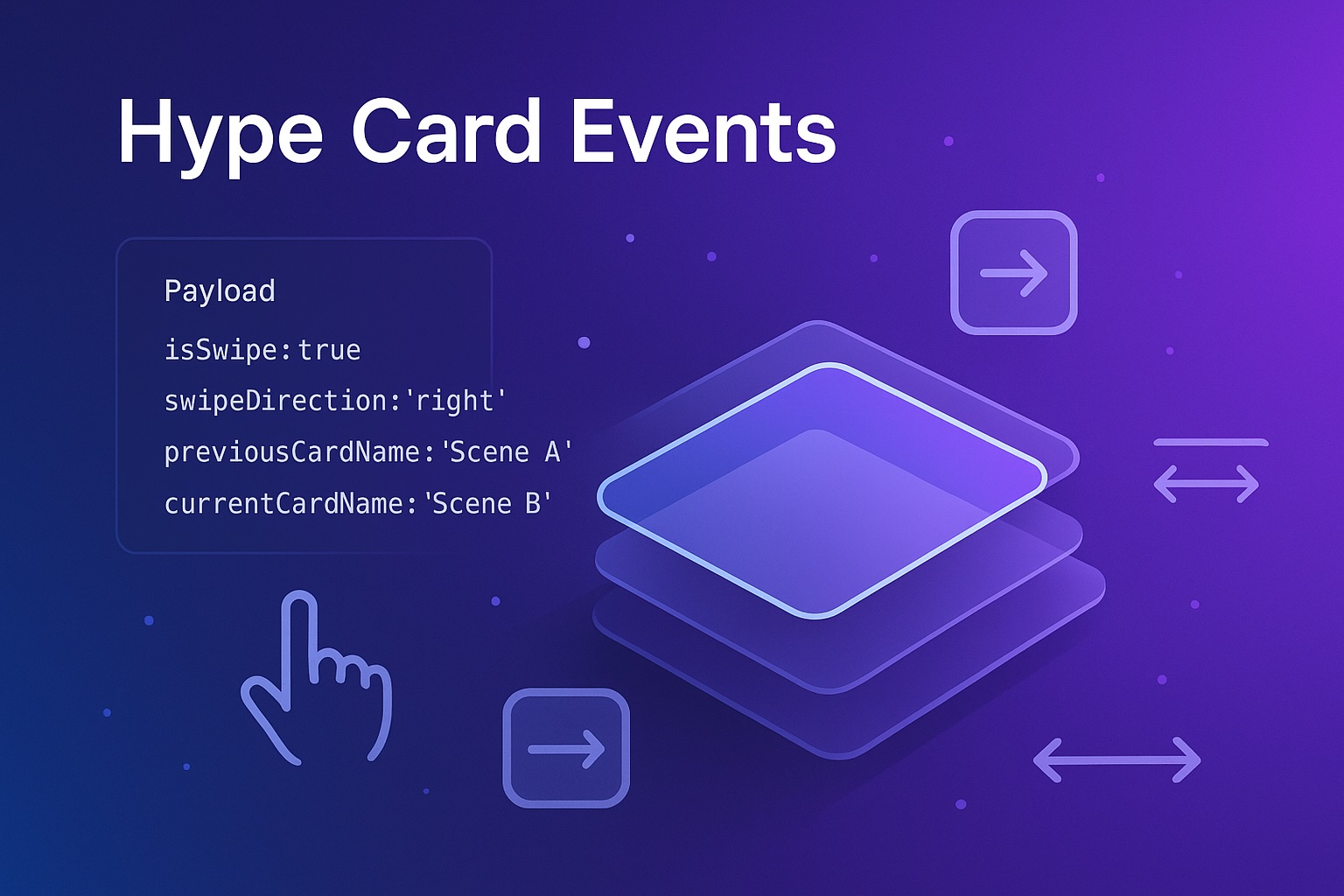
Hype Card Events
A Tumult Hype extension that provides enhanced scene transition and interaction events. It fires HypeCardUnload, HypeCardPrepare, and HypeCardLoad events specifically when the scene name (your "card") changes, intelligently ignoring layout-only switches. Additionally, it introduces HypeCardInteraction for detailed pointer interaction tracking, including swipe detection. You can also define a single HypeCardEvent handler to catch all card-related events.
Core Concept
Hype Card Events focuses on scene name changes. If you switch between layouts of the same scene, these card events will not fire. This allows you to build logic tied to actual "card" or "page" navigation rather than just responsive layout adjustments.
Installation
- Download
HypeCardEvents.js. - Open the Resources panel in your Hype document.
- Click the "+" button and choose Add Resource…, then select the
HypeCardEvents.jsfile. - Ensure "Auto-Link Resource" is enabled (usually default) so Hype includes the script automatically in the
<head>of your document.
Events Overview
Hype Card Events can trigger the following distinct events:
HypeCardUnload: Fired when leaving a named scene (card), before the new scene is prepared.HypeCardPrepare: Fired when a new named scene (card) is about to be shown.HypeCardLoad: Fired when a new named scene (card) has finished loading and is displayed.HypeCardInteraction: Fired onpointerupevents within the Hype document, providing details about the interaction like distance, duration, and swipe detection.HypeCardEvent: A generic event type. If you define a Hype Function with this name, it will be called forHypeCardUnload,HypeCardPrepare, andHypeCardLoadevents, in addition to their specific handlers.
Using Hype Card Events
Defining Hype Functions (Callbacks)
To react to these events, you define JavaScript functions in the Hype IDE:
- Go to the Functions inspector in Hype (usually View > Functions or
⌥⌘F). - Click the "+" button to add a new JavaScript function.
- Name your function exactly as one of the event types listed below. The function will receive three arguments:
hypeDocument,element, andevent.
You can define functions for any or all of the following:
HypeCardUnload(hypeDocument, element, event)HypeCardPrepare(hypeDocument, element, event)HypeCardLoad(hypeDocument, element, event)HypeCardInteraction(hypeDocument, element, event)HypeCardEvent(hypeDocument, element, event)(as a generic handler for Load/Unload/Prepare)
Example Hype Functions
// Example for HypeCardLoad
function HypeCardLoad(hypeDocument, element, event) {
    console.log("Card Loaded:", event.currentCardName);
    console.log("Came from:", event.previousCardName);
    console.log("Scene element:", element); // Same as event.target
    console.log("Time since last interaction:", event.lastInteractionAge + "ms");
}

// Example for HypeCardUnload
function HypeCardUnload(hypeDocument, element, event) {
    console.log("Card Unloading:", event.currentCardName);
    console.log("Going to:", event.nextCardName);
    console.log("Previous card was:", event.previousCardName);
    console.log("Time since last interaction:", event.lastInteractionAge + "ms");

    if (event.isSwipe) {
        console.log("Unloaded due to a swipe:", event.swipeDirection, "Distance:", event.pointerDistance, "Duration:", event.pointerDuration);
    }
    // Note: 'element' (and event.target) here is the *incoming* scene's element
}

// Example for HypeCardInteraction
function HypeCardInteraction(hypeDocument, element, event) {
    console.log("User interaction on element:", element); // Same as event.target
    console.log("Pointerup at:", event.pointerUp.x, event.pointerUp.y);
    if (event.pointerDown) {
        console.log("Interaction duration:", event.pointerDuration + "ms", "Distance:", event.pointerDistance + "px");
    }
    if (event.isSwipe) {
        console.log("Swipe detected:", event.swipeDirection);
        console.log("Swipe thresholds used: distance >=", event.minSwipeDistance, "duration <=", event.maxSwipeDuration);
    }
}

// Example for a combined HypeCardEvent handler
function HypeCardEvent(hypeDocument, element, event) {
    console.log("Generic HypeCardEvent triggered for:", event.type);
    switch (event.type) {
        case "HypeCardPrepare":
            console.log("Preparing card (generic):", event.currentCardName);
            // Access event.previousCardName, event.currentCardName, event.lastInteractionAge
            break;
        case "HypeCardLoad":
            console.log("Card loaded (generic):", event.currentCardName);
            // Access event.previousCardName, event.currentCardName, event.lastInteractionAge
            break;
        case "HypeCardUnload":
            console.log("Card unloaded (generic):", event.currentCardName);
            // Access event.previousCardName, event.currentCardName, event.nextCardName, event.lastInteractionAge
            // Also includes pointer interaction details like event.isSwipe, event.swipeDirection etc.
            break;
    }
}
Event Details & Payloads
The event object passed to your Hype functions contains valuable information. The element argument in your Hype function is equivalent to event.target.
HypeCardLoad
Fired when a new card (scene with a new name) has finished loading.
event.type: (string)"HypeCardLoad"event.previousCardName: (string|undefined) The name of the card (scene) transitioned from.undefinedon the very first scene load.event.currentCardName: (string) The name of the card (scene) that has just loaded.event.lastInteractionAge: (number|null) Milliseconds since the last recordedpointerupinteraction. Can benullif no interaction has occurred yet.event.target: (Element) The DOM element of the scene that has just loaded.
HypeCardUnload
Fired when leaving a card (scene with a current name) before a new card is prepared.
event.type: (string)"HypeCardUnload"event.previousCardName: (string|undefined) The name of the card before the one being unloaded (i.e., the card visited two steps ago).undefinedif this is the second scene ever visited.event.currentCardName: (string) The name of the card (scene) that is being unloaded.event.nextCardName: (string) The name of the card (scene) that is about to be loaded.event.lastInteractionAge: (number|null) Milliseconds since the lastpointerupinteraction that potentially triggered this scene change.event.target: (Element) The DOM element of the incoming scene (the one being prepared for display).- Pointer Interaction Details (from the last interaction before this scene change):
event.pointerDown: (object|null) Details of thepointerdownevent:{x: number, y: number, time: number}.event.pointerUp: (object|null) Details of thepointerupevent:{x: number, y: number, time: number}.event.pointerDistance: (number|null) The Euclidean distance in pixels betweenpointerdownandpointerup.event.pointerDuration: (number|null) The time in milliseconds betweenpointerdownandpointerup.event.isSwipe: (boolean)trueif the interaction was detected as a swipe.event.swipeDirection: (string|null) IfisSwipeistrue, indicates the primary direction:'left','right','up', or'down'.nullotherwise.event.minSwipeDistance: (number) The swipe distance threshold (in pixels) used for this detection.event.maxSwipeDuration: (number) The swipe duration threshold (in milliseconds) used for this detection. (Note: These pointer details are captured from the last interaction and are cleared after being reported inHypeCardUnloadto ensure they are reported once per interaction leading to a scene change).
HypeCardPrepare
Fired when a new card (scene with a new name) is about to be shown, after any HypeCardUnload from a previous card.
event.type: (string)"HypeCardPrepare"event.previousCardName: (string|undefined) The name of the card (scene) being left.undefinedon the very first scene load.event.currentCardName: (string) The name of the card (scene) that is being prepared.event.lastInteractionAge: (number|null) Milliseconds since the last recordedpointerupinteraction.event.target: (Element) The DOM element of the scene being prepared.
HypeCardInteraction
Fired on every pointerup event within the Hype document's container.
event.type: (string)"HypeCardInteraction"event.target: (Element) The DOM element that was the target of thepointerupevent.event.pointerDown: (object|null) Details of the precedingpointerdownevent:{x: number, y: number, time: number}.nullifpointerdowndidn't precede thispointerupin the expected sequence (e.g., script loaded after a pointerdown).event.pointerUp: (object) Details of thepointerupevent:{x: number, y: number, time: number}.event.pointerDistance: (number|null) The Euclidean distance in pixels betweenpointerdownandpointerup.nullifpointerDownisnull.event.pointerDuration: (number|null) The time in milliseconds betweenpointerdownandpointerup.nullifpointerDownisnull.event.isSwipe: (boolean)trueif the interaction meets the criteria for a swipe.event.swipeDirection: (string|null) IfisSwipeistrue, indicates the primary direction:'left','right','up', or'down'.nullotherwise.event.minSwipeDistance: (number) The minimum distance threshold (in pixels) used for swipe detection for this event.event.maxSwipeDuration: (number) The maximum duration threshold (in milliseconds) used for swipe detection for this event.- Additionally, all properties from the native
pointerupevent object (e.g.,clientX,clientY,button, etc.) are merged into this event object.
HypeCardEvent (Generic Handler)
If you define a Hype Function named HypeCardEvent, it will be called for HypeCardLoad, HypeCardUnload, and HypeCardPrepare events.
event.type: (string) Will be one of"HypeCardLoad","HypeCardUnload", or"HypeCardPrepare".- The rest of the
eventobject's properties will match those of the specific event being handled (as detailed above).
Event Sequence on Scene Change
When transitioning from "CardA" to "CardB":
- (Optional)
HypeCardInteraction: If the scene change was triggered by a pointer interaction (e.g., a click on a button that callshypeDocument.showSceneNamed()). HypeCardUnload: Fired for "CardA".event.currentCardNamewill be "CardA".event.nextCardNamewill be "CardB".- Includes pointer/swipe details from the last interaction if applicable.
HypeCardPrepare: Fired for "CardB".event.previousCardNamewill be "CardA".event.currentCardNamewill be "CardB".
HypeCardLoad: Fired for "CardB".event.previousCardNamewill be "CardA".event.currentCardNamewill be "CardB".
Behavior Notes
- Initial Load: On the very first scene displayed in the Hype document,
HypeCardPrepareand thenHypeCardLoadwill fire.event.previousCardNamewill beundefinedfor both. - Scene Change (by Name): All three events (
HypeCardUnload,HypeCardPrepare,HypeCardLoad) fire in sequence as described above, provided the new scene has a different name than the current scene. - Layout Change Only: If you switch between different layouts of the same scene (i.e., the scene name does not change), none of these card-specific events (
HypeCardUnload,HypeCardPrepare,HypeCardLoad) will fire.HypeCardInteractionwill still fire on pointer events.
Configuration
You can customize some default behaviors of Hype Card Events using the setDefault and getDefault functions. These should typically be called early, for example, in Hype's "On Document Load" JavaScript handler or from your own script that runs after HypeCardEvents.js is loaded.
// Example: Setting custom swipe thresholds
if (window.HypeCardEvents) {
    HypeCardEvents.setDefault('minSwipeDistance', 50); // Default is 30 (pixels)
    HypeCardEvents.setDefault('maxSwipeDuration', 500); // Default is 750 (ms)

    // Example: Setting multiple defaults at once
    HypeCardEvents.setDefault({
        minSwipeDistance: 50,
        maxSwipeDuration: 500,
        sceneNameFunction: 'getMyCustomSceneName' // See below
    });
}

// Example: Getting a default value
var currentMinSwipe = HypeCardEvents.getDefault('minSwipeDistance');
console.log('Current min swipe distance:', currentMinSwipe);
Configurable Options:
minSwipeDistance(number): The minimum distance (in pixels) a pointer must travel betweenpointerdownandpointerupto be considered part of a swipe.- Default:
30
- Default:
maxSwipeDuration(number): The maximum duration (in milliseconds) betweenpointerdownandpointerupfor an interaction to be considered a swipe.- Default:
750
- Default:
sceneNameFunction(string): The name of a function on thehypeDocumentobject that Hype Card Events should call to get the current scene name. This allows for custom scene name resolution ifhypeDocument.currentSceneName()is not suitable for your needs.- Default:
'currentSceneName' - If you set this to, for example,
'getMyCustomSceneName', you must definehypeDocument.getMyCustomSceneName = function() { /* return custom scene name */ };
// Example: Using a custom scene name function // In a Hype Function or <script> tag: function setupCustomSceneNames(hypeDocument, element, event) { hypeDocument.getMyCustomSceneName = function() { // Your custom logic to determine the "card name" var realSceneName = this.currentSceneName(); if (realSceneName.startsWith("Chapter1_")) { return "Chapter 1"; // Group multiple scenes under one card name } return realSceneName; }; if (window.HypeCardEvents) { HypeCardEvents.setDefault('sceneNameFunction', 'getMyCustomSceneName'); } } // Ensure setupCustomSceneNames is called, e.g., on document load.- Default:
Helper Functions (on hypeDocument)
Hype Card Events adds the following helper functions directly to your hypeDocument object upon HypeDocumentLoad:
hypeDocument.getLastInteractionTime():- Returns: (number|null) The timestamp (
Date.now()) of the last recordedpointerupevent. Returnsnullif no interaction has been recorded for the current document.
- Returns: (number|null) The timestamp (
hypeDocument.getLastInteractionAge():- Returns: (number|null) The time elapsed in milliseconds since the last recorded
pointerupevent. Returnsnullif no interaction has been recorded.
- Returns: (number|null) The time elapsed in milliseconds since the last recorded
// Example usage within a Hype Function:
function someFunction(hypeDocument, element, event) {
    var lastTime = hypeDocument.getLastInteractionTime();
    if (lastTime) {
        console.log("Last interaction was at:", new Date(lastTime));
    }

    var age = hypeDocument.getLastInteractionAge();
    if (age !== null) {
        console.log("It has been", age, "ms since the last interaction.");
    }
}