
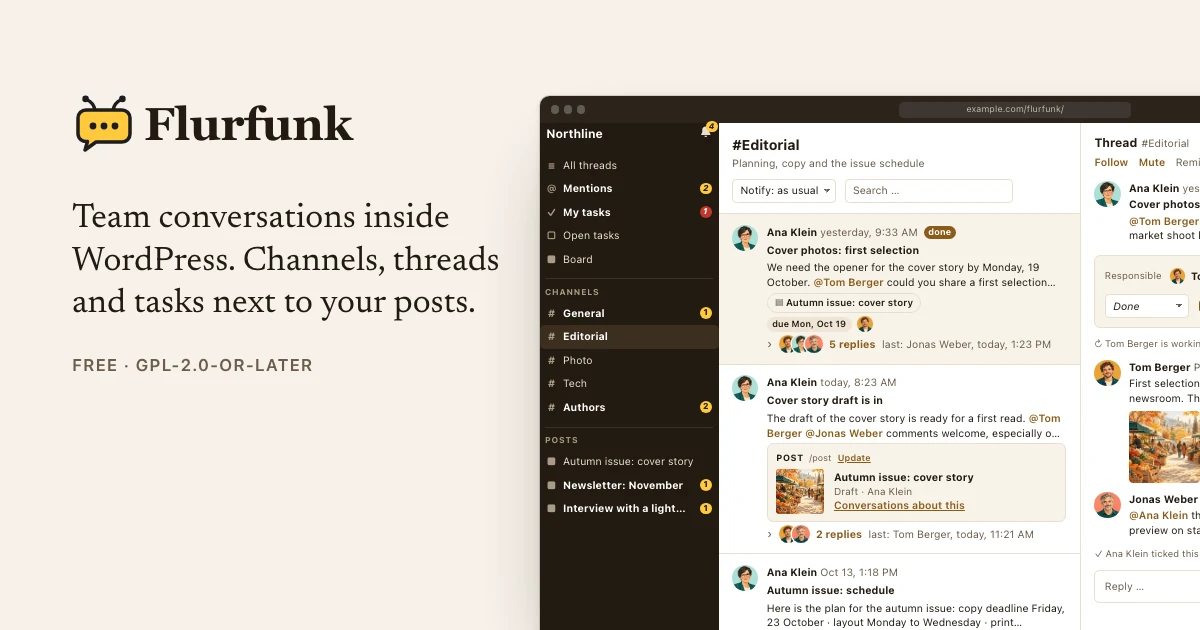
Flurfunk is German for the office grapevine: the conversations that happen between the official announcements. I built a WordPress plugin with that name to give team conversations a place next to the work they are about.
It brings channels, threaded replies, mentions and files into WordPress. A conversation can belong to a post, so feedback is still there when you open the editor. You can also gather the wider discussion in channels for an editorial team, a project or a group of contributors.
From a conversation to a task
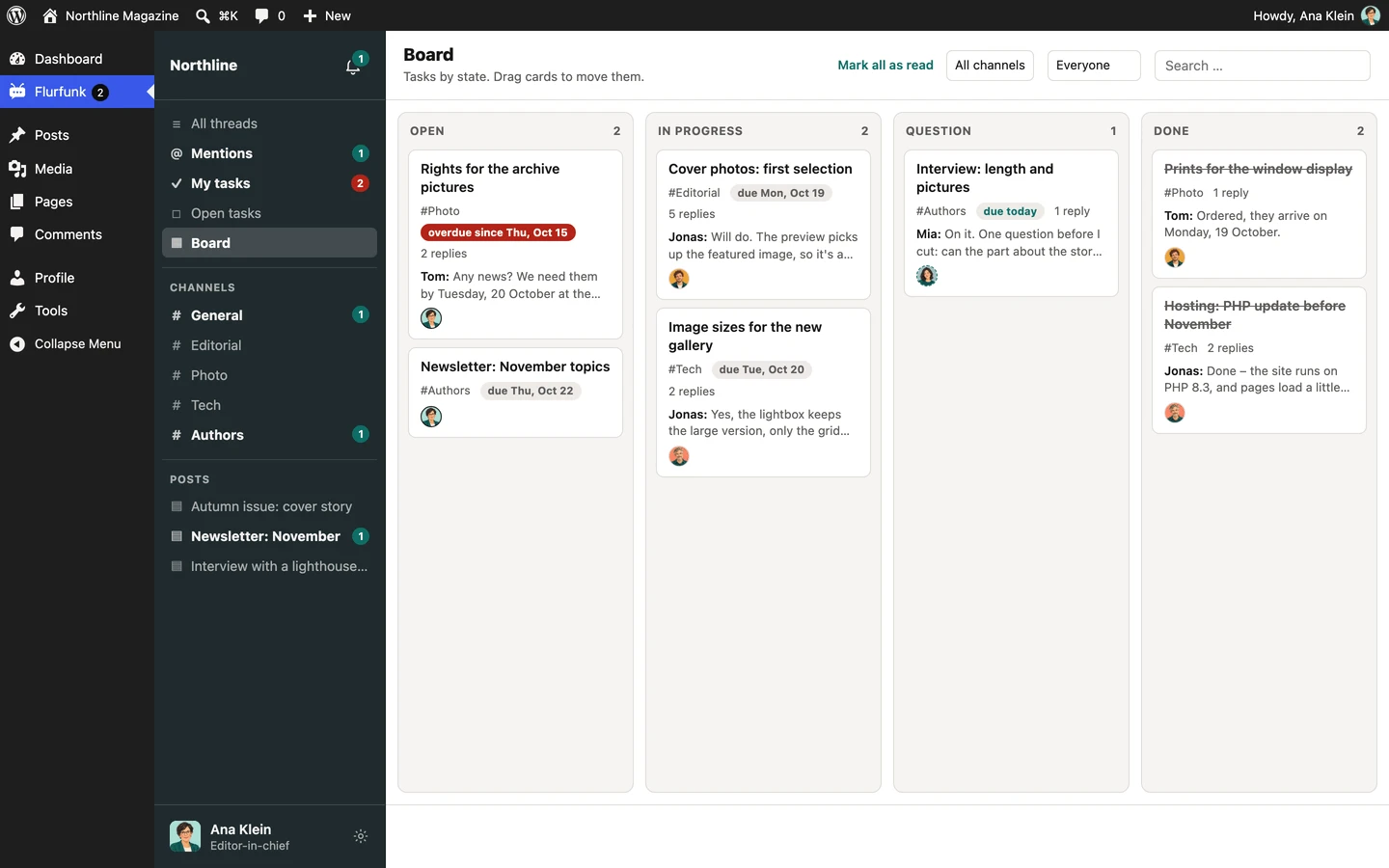
A thread can become a task with an assignee, a due date and a status. The replies stay with it. A board gives you a view of what is open, in progress, waiting on a question or done.
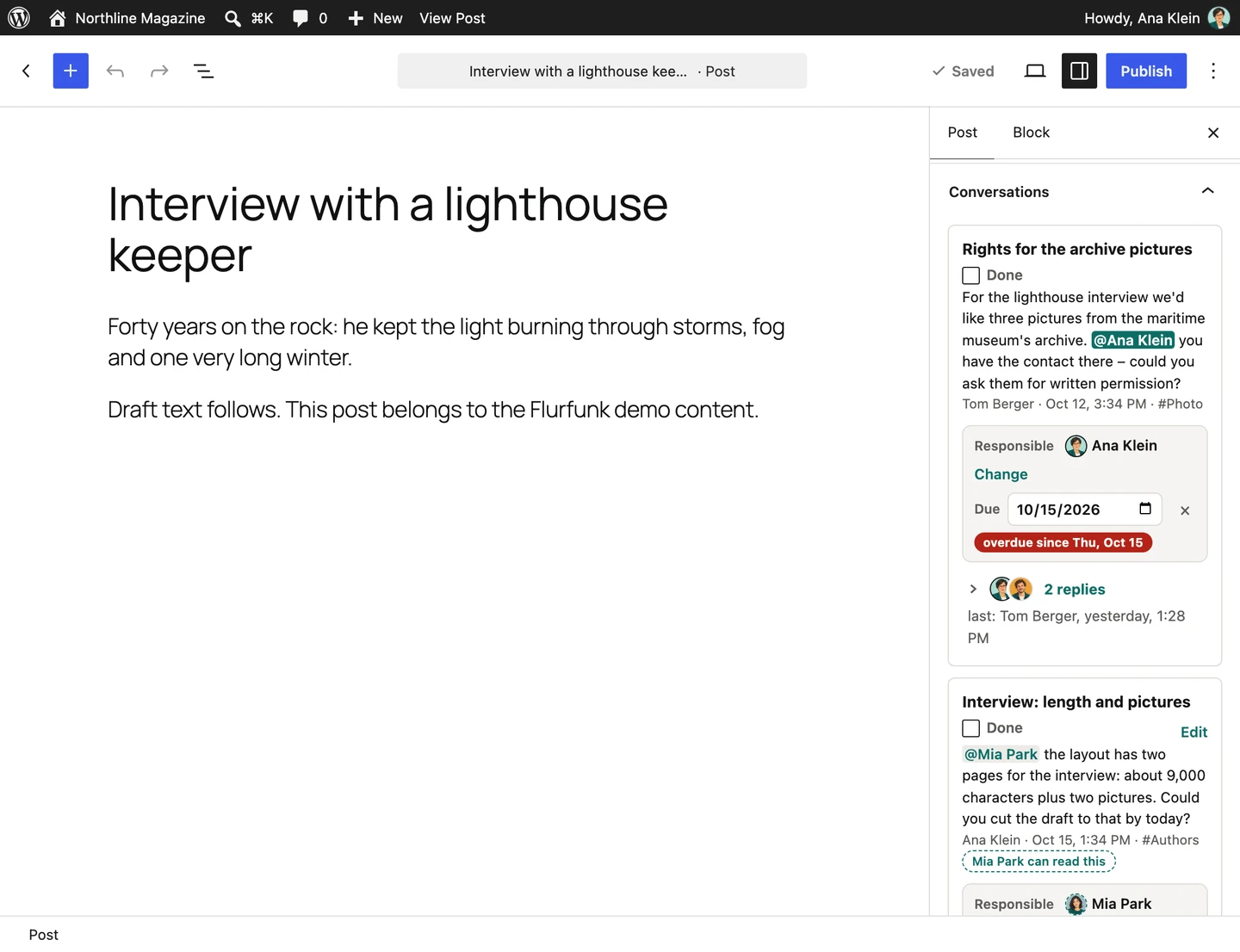
In the editor, the same discussion sits alongside the draft. A question about image rights, a request for a shorter paragraph or a missing photograph stays connected to the post it belongs to.
On your own WordPress site
Flurfunk works in the regular WordPress admin, in its own fullscreen view and inside OpenStation. The fullscreen view can also be added to a phone’s home screen. Notifications can arrive in the app, by email or through Web Push, with quiet hours and controls for following or muting conversations.
The plugin is free and open source. Conversations and tasks live in your WordPress database, with JSON export and import available.
Flurfunk has been submitted for WordPress review, and the review is pending. Until then, the Flurfunk website explains how to install it.
Visit the Flurfunk website for screenshots, installation instructions and the user guide. The source code is on GitHub.